Stop renamingyour videos one by one.
CineRename analyzes your movies, TV shows and anime, fetches official titles, downloads missing subtitles and cleans up duplicates — entirely on your machine, in seconds.
How to rename and organize a video library in seconds
From a messy folder to a clean Plex / Jellyfin library — here's how CineRename works
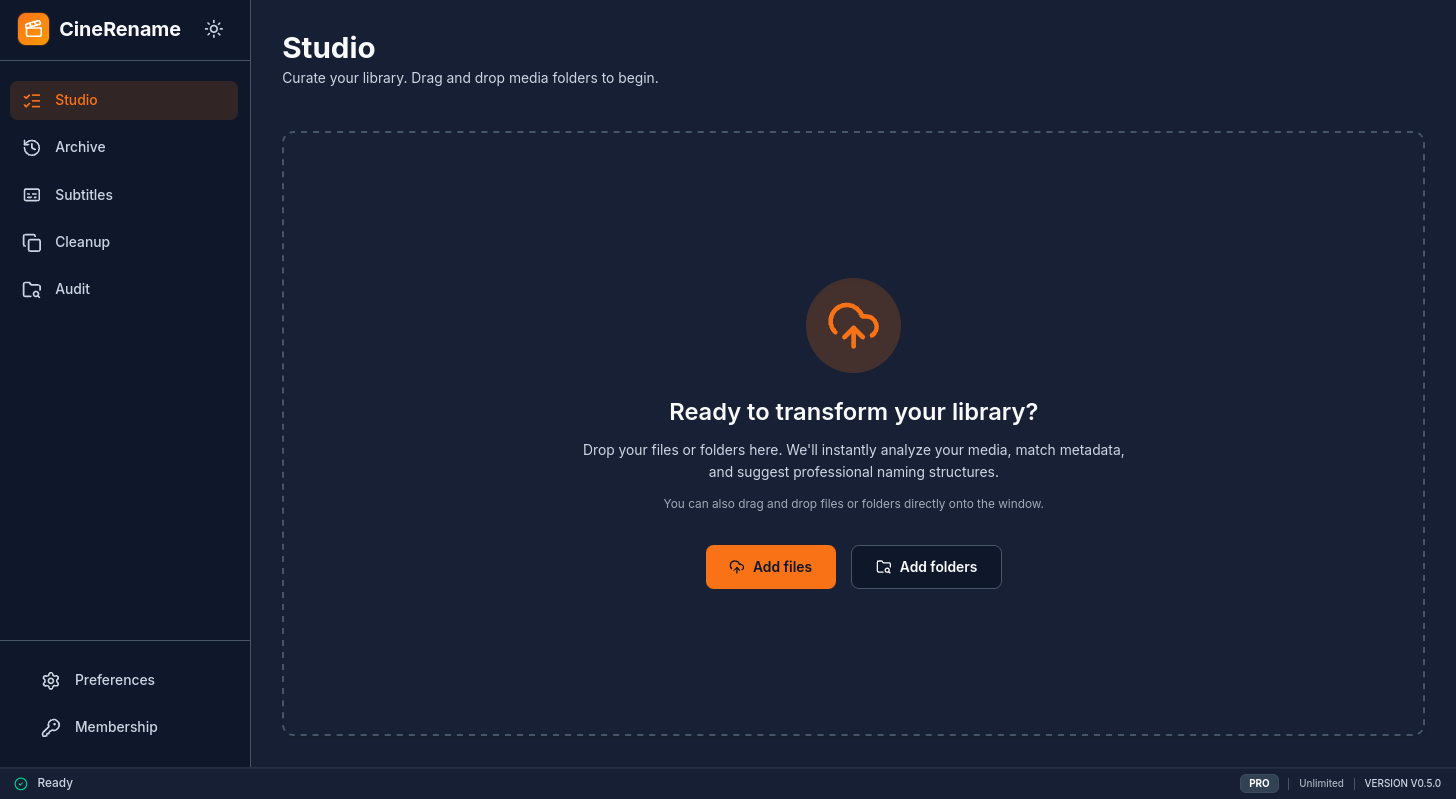
Drop your files
Drag and drop your videos or a whole folder. CineRename can even read inside ZIP / RAR archives.
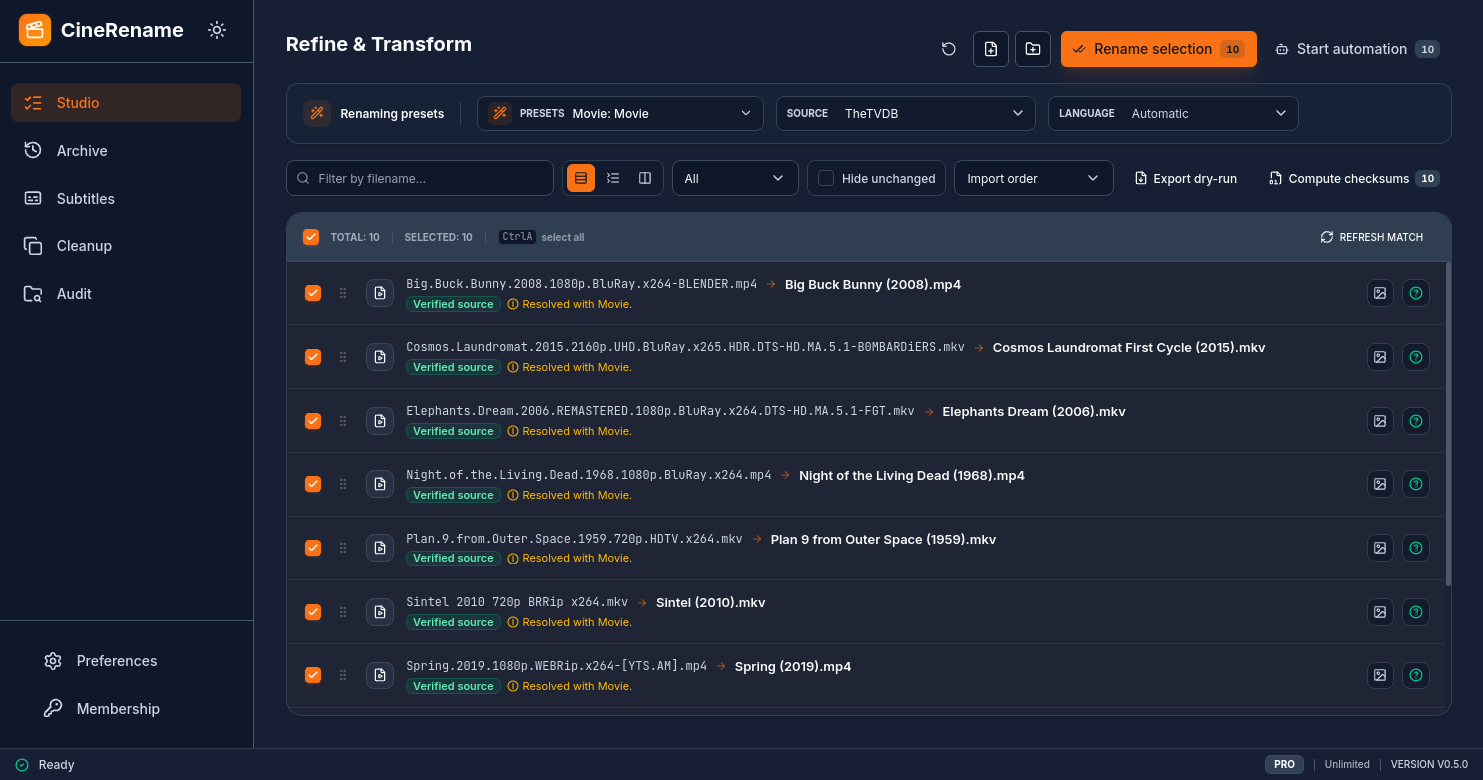
Smart preview
The Studio shows the exact before/after rendering for each file. Official titles are found instantly like magic.
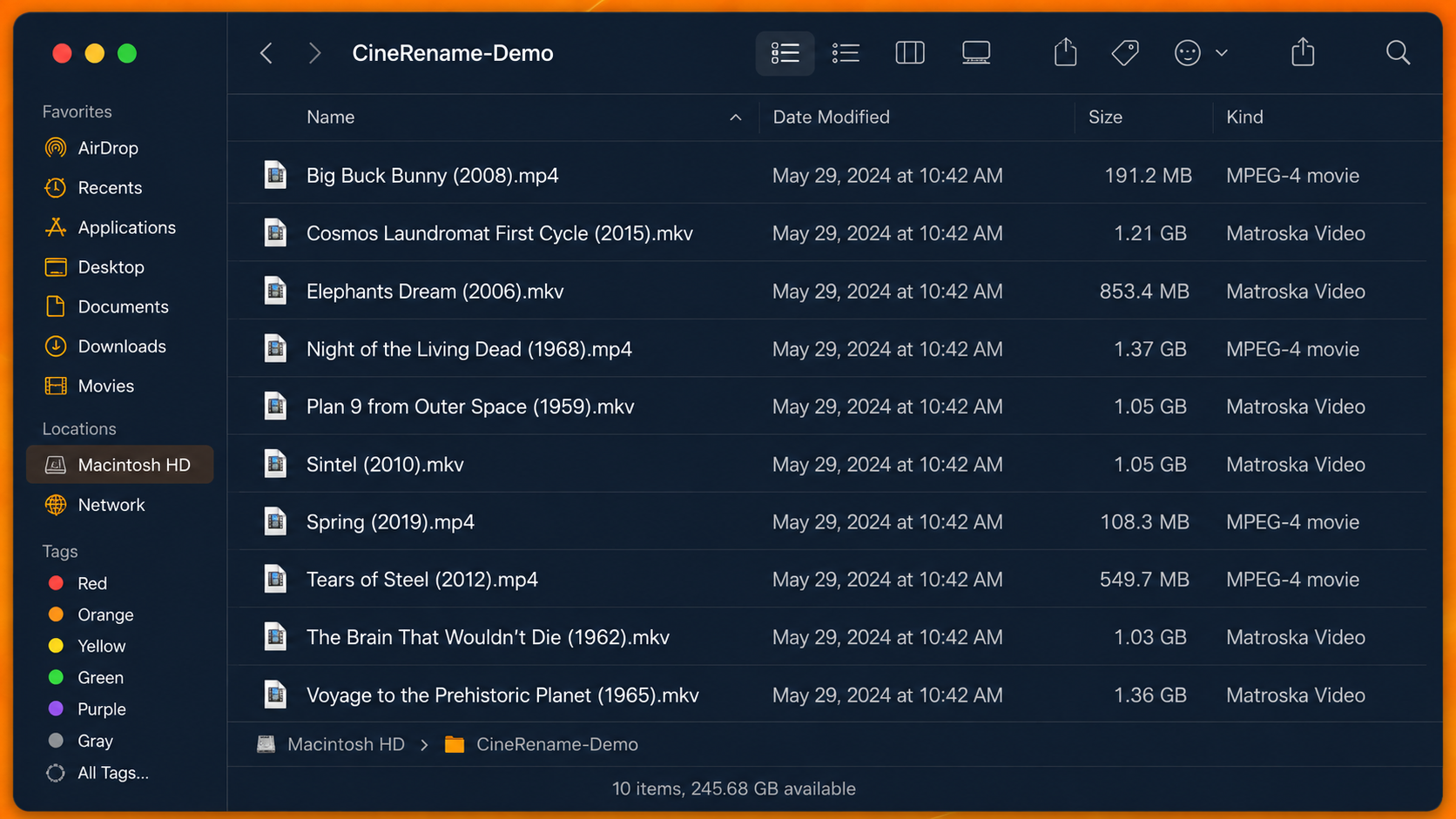
Library ready
Confirm. CineRename renames, downloads subtitles and cleans duplicates. Plex and Jellyfin recognize everything immediately.
Compared to other tools:
With CineRename, you drop your whole folder, analysis runs in parallel, and you get a finished library with subtitles.
With other tools, you rename file by file, no duplicate handling, no subtitle support, no undo.
Why cinephiles never go back.
From drag-and-drop to a flawless Plex catalog, CineRename packs everything that used to waste your time.
Drop anything
Videos, folders, ZIP, RAR, 7z and common archive formats — CineRename handles messy imports without manual sorting.
Smart naming presets
Plex, Jellyfin, Emby, Kodi — one click applies a server-ready convention.
Fine tuning
Name format, preferred languages, accepted qualities — adapt every detail to your workflow.
Automatic pipeline mode
Drop a folder, the app renames, fetches subtitles and moves files to your final library on its own.
CLI, Scheduler & NAS Docker
Script your servers, schedule tasks (cron), or run CineRename in headless mode on your NAS or Docker container.
Your files never leave your machine
No upload, no cloud. Only configured metadata and subtitle providers are contacted.
Rust + Svelte 5 performance
Virtualized lists: stay smooth with thousands of files. Native Rust code for disk operations.
Subtitle matching
Built-in OpenSubtitles module: file fingerprint first, metadata fallback, preview, download and naming.
Duplicate hunter
Automatically detects multi-quality copies (1080p, 4K…), suggests the best version and frees disk space.
Multilingual, multi-format
French, English, Spanish, Chinese — MKV, MP4, AVI, MOV — movies, TV shows, anime: all handled.
Instant before/after preview
The Studio shows the exact rendering of each rename in real time. No surprises.
History and one-click undo
Every change is tracked. Undo any rename, even days later — your library's time machine.
Exportable dry-run reports
Test your renaming rules safely and export the results to CSV/JSON without modifying a single file.
Watch Folders
CineRename listens to your download folders and automatically imports new video files as soon as they appear.
Checksum Verification
Check transfer integrity with native support for .sfv, .md5, and .sha1 files before organizing your library.
CineRename vs FileBot
Discover why CineRename is the perfect modern alternative for organizing your media collection.
Frequently Asked Questions
Why cinephiles adopt CineRename
Trusted by data hoarders and NAS admins worldwide
Switched from FileBot because of the Java memory bloat and UI lag. CineRename running on Rust is just instantaneous. The CLI handles my Sonarr post-processing like a champ.

Dave M. • Data Hoarder
The absolute numbering support for Anime is a godsend. It's the only renamer that didn't butcher my 900+ episode One Piece collection. Jellyfin recognized everything on the first scan.

Sarah T. • Anime Fan
Finally a modern UI! Most renamers look like they were built in 2005. The interactive before/after preview studio is incredibly intuitive. I know exactly what will happen before touching the disk.

Mike B. • UI Designer
A bug, an idea, a question?
CineRename is actively developed. Don't hesitate to reach out to report a bug, suggest a feature or ask a question.
Contact Support
For licensing, billing, or private inquiries, send us an email directly.
Send an Email