
Duplicates
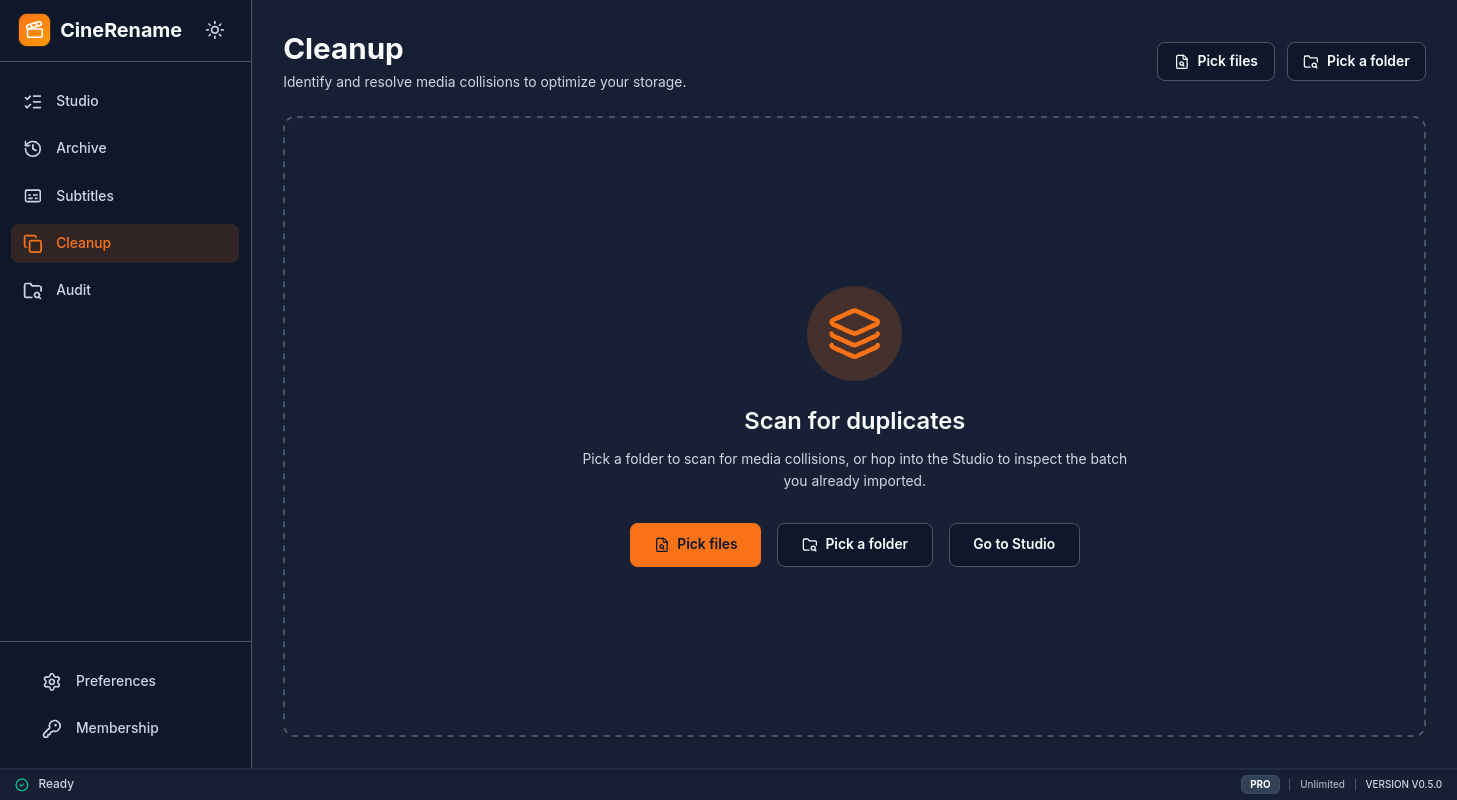
The Duplicates module scans your library to spot multiple copies of the same movie or episode, and helps you free up space by keeping only the best version.
How it works
- You point to a folder (or several).
- CineRename indexes all video files, calculates a quality score, and groups them by media identity (title + year for movies, series + season + episode for series).
- The result is displayed by clusters: one cluster = multiple files pointing to the same content.
The quality score
Each file receives a score based on:
- Resolution — 4K > 1440p > 1080p > 720p > 480p
- Codec — HEVC/AV1 (efficiency) with penalty for older codecs
- Source — BluRay > WEBRip > HDTV > DVDRip
- Bitrate — bonus for high bitrates at equal resolution
- Audio — DTS-HD MA / TrueHD > DTS / DD+ > AC3 / AAC
- Size — to break ties at equal technical quality
The file with the highest score is marked Keep, the others Candidates for deletion.
No automatic deletion
No file is ever deleted without your explicit consent. The module only proposes.
Context menu
On each row of the cluster, right-click opens:
- Open location — Native Finder / Explorer / Files manager
- Play video — launches your default player
- Force keep — marks this file as "to keep" (overrides scoring)
- Force delete — marks for deletion
- Exclude from cluster — if CineRename incorrectly grouped it
Keyboard shortcut
| Action | Windows / Linux | macOS |
|---|---|---|
| Scan the current Studio batch | Ctrl + F | Cmd + F |
Duplicate deletion
When you choose to delete candidate files:
- CineRename displays an explicit confirmation dialog (
Permanently delete this file? This cannot be undone.). - The file is permanently deleted from the filesystem (atomically unlinked if unchanged).
- Irreversible operation: files are not moved to the OS trash/recycle bin and duplicate removals are not tracked in the rename History.
Permanent deletion
Because duplicate candidate removal directly unlinks the file from storage rather than using the operating system trash, deleted files cannot be restored from the desktop trash or undone via History. Always double-check your selection before confirming.
Best practices
- Always rename first — otherwise CineRename struggles to match
MovieX.1080p.x264-GROUP.mkvwithMovieX.4k.HDR.mkvbecause the names don't look alike. - Run a dry-run first — explore the clusters, tweak the overrides, and only then delete.
- Check multiple editions — for movies, "Director's Cut", "Extended", "Theatrical" are not considered duplicates if explicitly named.
Known limitations
- For multi-discs (a movie split into
Movie - cd1.mkv+Movie - cd2.mkv), CineRename groups them correctly only if thecd1/cd2orpart1/part2convention is respected. - For mixed archives (zips containing multiple versions), you must first extract or use the Studio to normalize them.